 Downbeat
← All guides
Perform
Perform mode
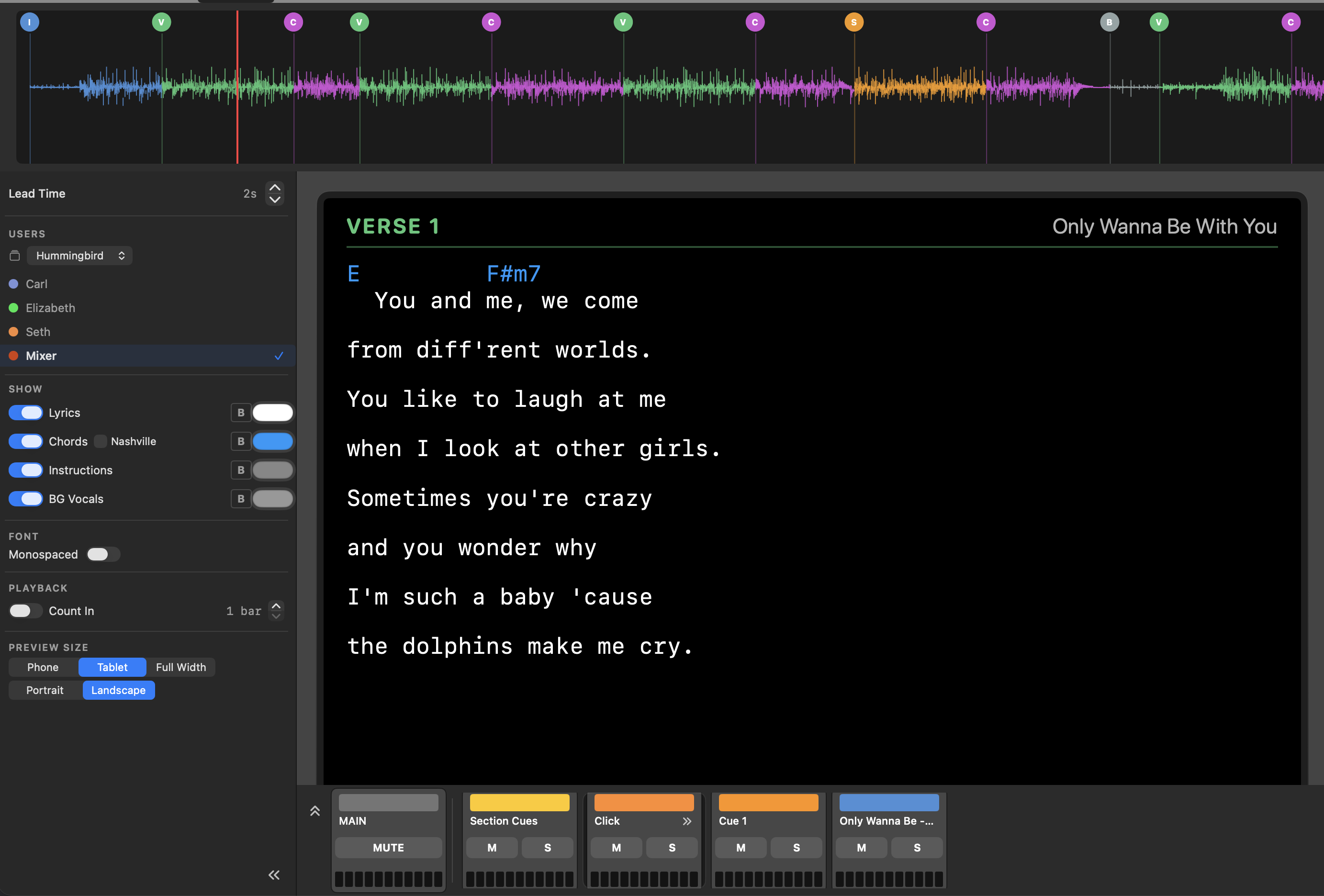
The Perform tab is your live view. It strips away the editing tools and gives you a clean, readable layout for running the show.
- Synchronized charts: Your chart follows the song, highlighting the current section as it plays.
- Section navigation: Jump between sections with the transport controls. Great for rehearsal to jump to specific parts of your songs.
- Hands-free: Set it and play — everything stays in sync with your timeline, click, and cues.
- Collapsable Mixer: Hide the mixer to provide more room for your chart.
Customizing your view
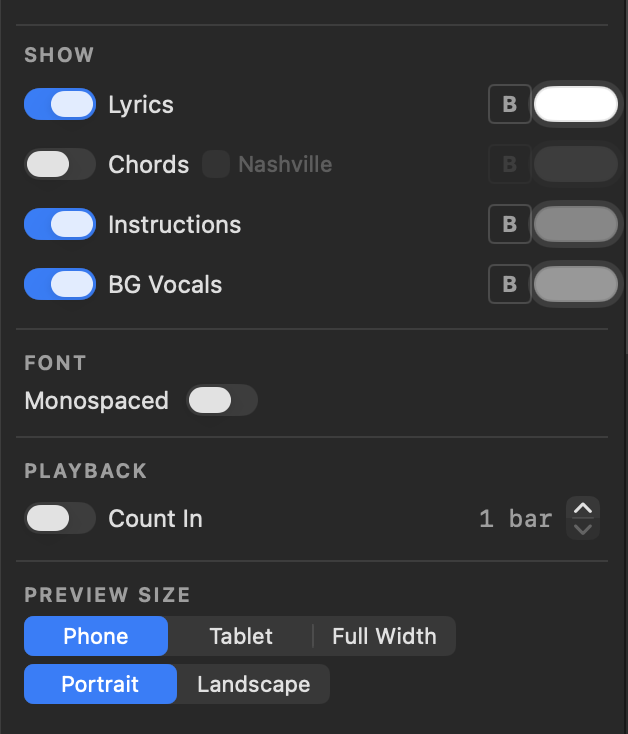
The Show panel lets each person choose what appears on their screen — toggle Lyrics, Chords, Instructions, and BG Vocals, pick the font, set a count-in, and choose the preview size and orientation.